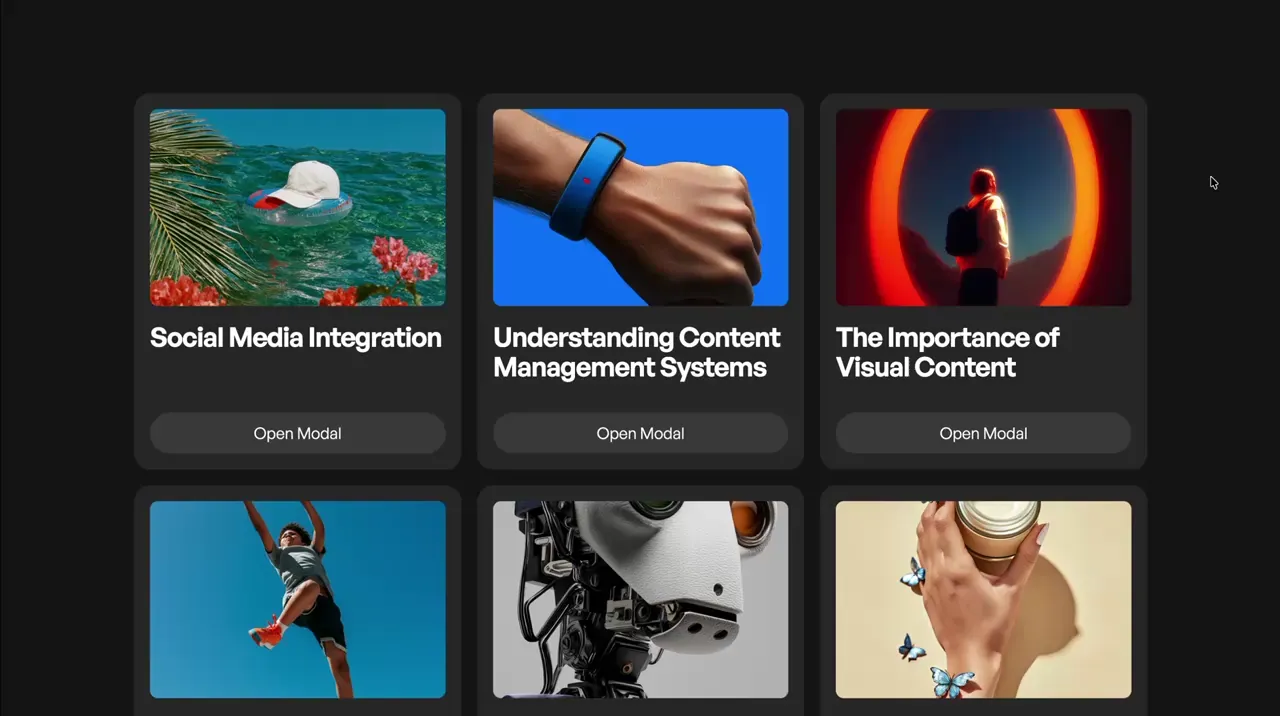
Fetch Modal
Modal
GSAP
JS
CMS
Preview Links
Custom JS
Enable custom code in preview or view on published site.
Enable custom code?
Last Updated: Nov 10, 2025
- The fetch modal fetches content from another page, brings it to the current page, and adds it into the modal.
- On the other page, the content element needs an attribute of data-modal-2-target. The modal will bring this element over.
- On the current page, the link block that opens the modal needs an attribute of data-modal-2-trigger, and its url needs to be pointed to a page that has the data-modal-2-target.
- Fetch modal will not run in the designer even with custom code enabled. This modal will only run on the published site.
- Modal children that close the modal like the close button or backdrop get an attribute of data-modal-2-close
- When using the modal with the cms, the modal should not be inside the cms item.
- This modal only brings over the HTML from the other page. Any JavaScript or Webflow Interactions will not run inside the modal.
- To preview the modal, apply data-preview="true" to the dialog. Do not set the dialog manually to display block in the style panel since that overrides the dialog's native behavior
<style>
.modal-2_dialog::backdrop { opacity: 0; }
.wf-design-mode .modal-2_dialog[data-preview="true"] { display: block; }
</style><script src="https://cdn.jsdelivr.net/npm/gsap@3.13.0/dist/gsap.min.js"></script>
<script>
document.addEventListener("DOMContentLoaded", function () {
const component = document.querySelector(".modal-2_dialog");
if (component.hasAttribute("data-modal-2")) return;
component.setAttribute("data-modal-2", "");
let lastFocusedElement;
const slot = component.querySelector(".modal-2_slot");
const originalSlug = window.location.pathname;
gsap.context(() => {
component.tl = gsap.timeline({ paused: true, onReverseComplete: closeModal });
component.tl.from(".modal-2_backdrop", { opacity: 0, duration: 0.2 });
component.tl.from(".modal-2_content", { opacity: 0, y: "6rem", duration: 0.3 }, "<");
}, component);
function openModal() {
typeof lenis !== "undefined" && lenis.stop ? lenis.stop() : (document.body.style.overflow = "hidden");
lastFocusedElement = document.activeElement;
component.showModal();
component.tl.play();
component.querySelectorAll(".modal-2_scroll").forEach((el) => (el.scrollTop = 0));
}
async function fetchUrl(link = "/") {
try {
const res = await fetch(link);
if (!res.ok) throw new Error();
const target = new DOMParser().parseFromString(await res.text(), "text/html").querySelector("[data-modal-2-target]");
if (!target) throw new Error();
history.pushState({ modalHTML: target.outerHTML }, "", link);
slot.querySelectorAll("[data-modal-2-target]").forEach((el) => el.remove());
slot.appendChild(target);
} catch {
window.location.href = link;
}
openModal();
}
function closeModal() {
typeof lenis !== "undefined" && lenis.start ? lenis.start() : (document.body.style.overflow = "");
slot.querySelectorAll("[data-modal-2-target]").forEach((el) => el.remove());
component.close();
lastFocusedElement?.focus();
}
component.addEventListener("cancel", (e) => {
e.preventDefault();
history.pushState(null, "", originalSlug);
component.tl.reverse();
});
component.addEventListener("click", (e) => {
if (!e.target.closest("[data-modal-2-close]")) return;
history.pushState(null, "", originalSlug);
component.tl.reverse();
});
document.addEventListener("click", function (e) {
const target = e.target.closest("[data-modal-2-trigger]");
if (!target) return;
e.preventDefault();
fetchUrl(target.href);
});
window.addEventListener("popstate", (e) => {
const state = e.state;
if (state && state.modalHTML) {
slot.querySelectorAll("[data-modal-2-target]").forEach((el) => el.remove());
slot.insertAdjacentHTML("beforeend", state.modalHTML);
openModal();
return;
}
if (component.open) component.tl.reverse();
});
});
</script>