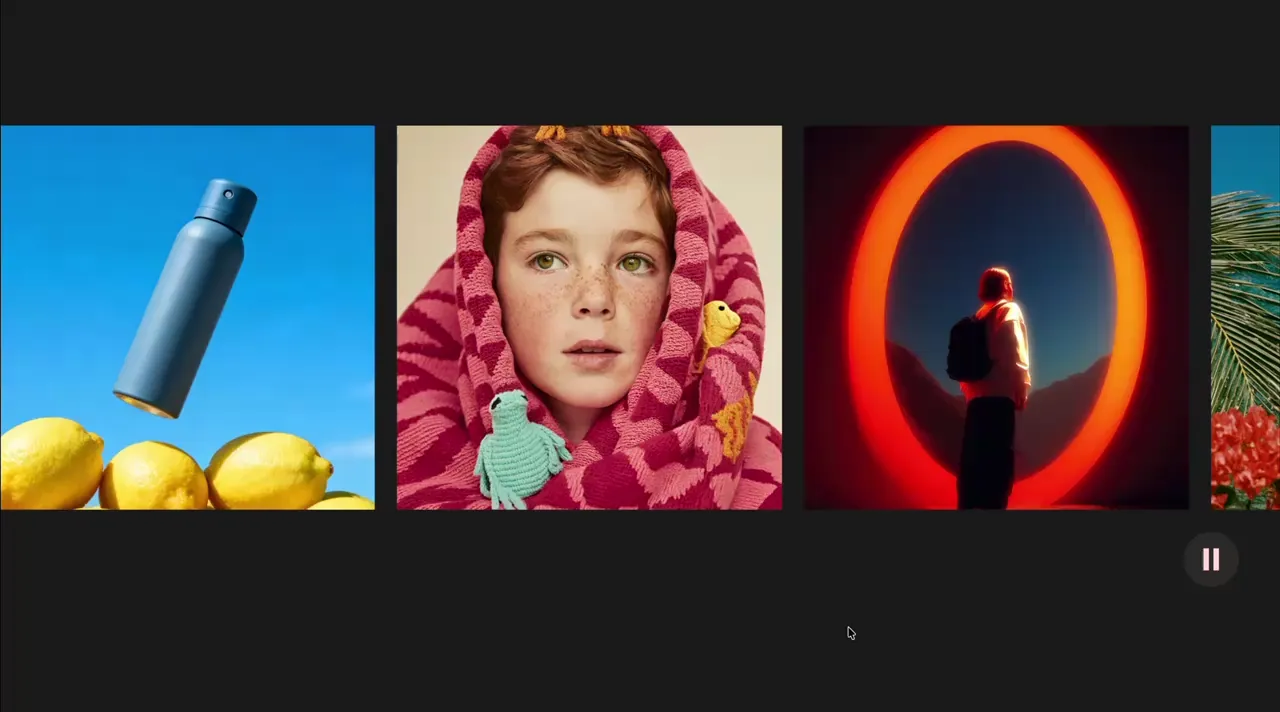
Draggable Marquee
Marquee
Draggable
GSAP
Observer
JS
Preview Links
Custom JS
Enable custom code in preview or view on published site.
Enable custom code?
Last Updated: Dec 4, 2025
- gap and padding-right on the marquee-4_list must match for the list to loop seamlessly
- The second marquee-4_panel has an attribute of aria-hidden="true" so duplicated content isn't read by screen readers
- When images are inside a marquee, they should be set to eager load to avoid flicker
<script src="https://cdn.jsdelivr.net/npm/gsap@3.13.0/dist/gsap.min.js"></script>
<script src="https://cdn.jsdelivr.net/npm/gsap@3.13.0/dist/Observer.min.js"></script>
<script>
document.addEventListener("DOMContentLoaded", () => {
	gsap.registerPlugin(Observer);
	document.querySelectorAll(".marquee-4_component").forEach((component) => {
		if (component.hasAttribute("data-marquee-4")) return;
		component.setAttribute("data-marquee-4", "");

		const speed = 100;
		const button = component.querySelector(".marquee-4_button");
		const panels = component.querySelectorAll(".marquee-4_panel");
		if (!panels.length) return;
		const timeScale = { value: 1 };
		let playState = 1;
		let direction = 1;

		let tl = gsap.timeline({ repeat: -1, onReverseComplete: () => tl.progress(1), overwrite: true });
		tl.fromTo(panels, { xPercent: 0 }, { xPercent: -100, duration: Math.max(800, panels[0].offsetWidth) / speed, ease: "none" });

		Observer.create({
			target: component,
			type: "pointer,touch",
			onChangeX: (self) => {
				let v = self.velocityX * -0.01;
				v = gsap.utils.clamp(-30, 30, v);
				direction = v < 0 ? -1 : 1;
				let tl2 = gsap.timeline({ onUpdate: () => tl.timeScale(timeScale.value) });
				tl2.to(timeScale, { value: v, duration: 0.1 });
				tl2.to(timeScale, { value: direction * playState, duration: 1 });
			}
		});

		function setPaused(paused = true) {
			playState = paused ? 0.01 : 1;
			gsap.to(timeScale, { value: playState * direction, duration: 0.5, overwrite: true, onUpdate: () => tl.timeScale(timeScale.value) });
			button?.setAttribute("aria-pressed", paused ? "true" : "false");
		}
		button?.addEventListener("click", () => setPaused(button.getAttribute("aria-pressed") !== "true"));
		const motionReduce = window.matchMedia("(prefers-reduced-motion: reduce)");
		setPaused(motionReduce.matches);
		motionReduce.addEventListener("change", e => setPaused(e.matches));
	});
});
</script>- Control the speed of the marquee from the following line. Speed is relative to the width of the panel.
const speed = 100;- Set the velocity multiplier from the following line. Changing -0.01 to -0.005 will make marquee move slower when dragging.
let v = self.velocityX * -0.01;- Set the max velocity from the following line. The default is 30. Larger numbers will make the marquee move even faster when dragged quickly.
v = gsap.utils.clamp(-30, 30, v);- Remove the following line if the direction should always go forwards after the user stops dragging
direction = v < 0 ? -1 : 1;