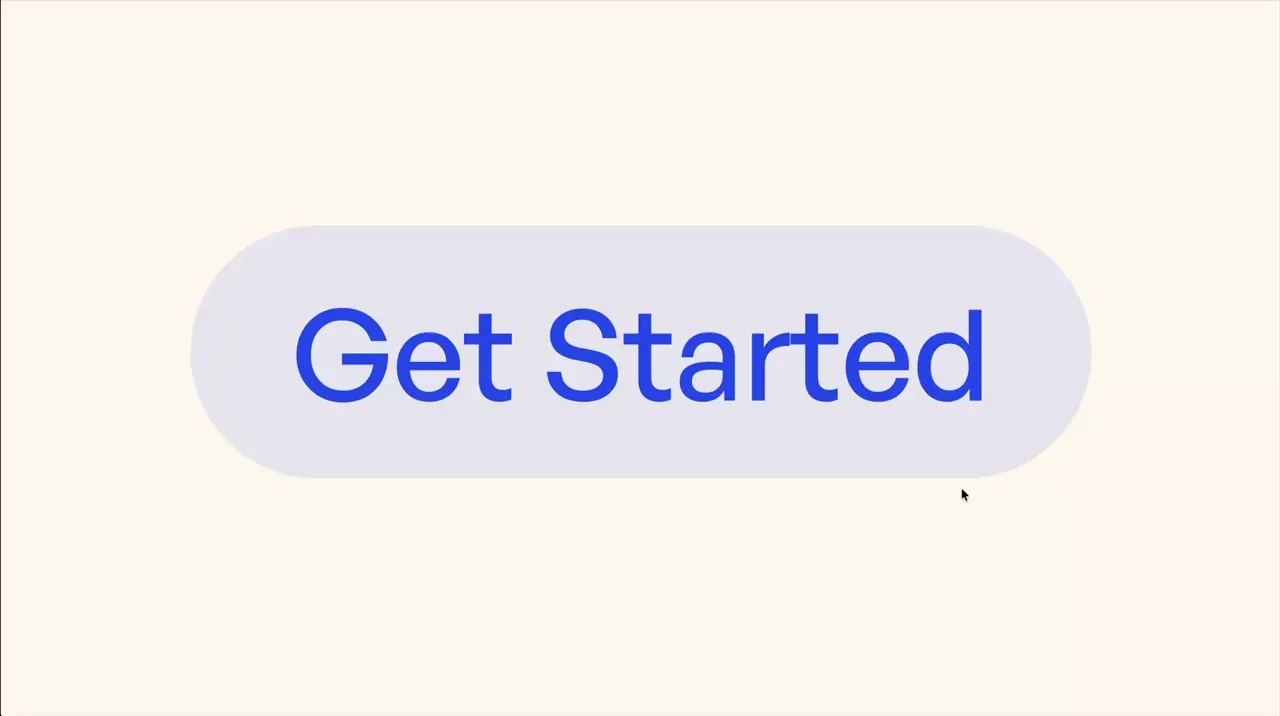
Letter Stagger Hover
Button
Hover
Text Animation
CSS
GSAP
Split Text
JS
Preview Links
Custom JS
Enable custom code in preview or view on published site.
Enable custom code?
Last Updated: Nov 18, 2025
- clip-path: polygon(0 9%, 100% 9%, 100% 110%, 0 110%); in custom code sets the mask position. It starts 9% from the top of the text and ends 110% from the top. You may need to adjust these values depending on the font that's used.
- Background color change on hover is set natively in the style panel on hover-6_component
<style>
.hover-6_component .word-mask {
	overflow: visible !important;
	clip-path: polygon(0 9%, 100% 9%, 100% 110%, 0 110%);
}
.hover-6_component .word {
	white-space: nowrap;
}
@media (hover: none) {
	.hover-6_component .word > * { transform: unset !important; opacity: 1 !important; }
}
</style>
<script src="https://cdn.jsdelivr.net/npm/gsap@3.13.0/dist/gsap.min.js"></script>
<script src="https://cdn.jsdelivr.net/npm/gsap@3.13.0/dist/SplitText.min.js"></script>
<script>
document.addEventListener("DOMContentLoaded", () => {
	gsap.registerPlugin(SplitText);
	function init(component, instant = false) {
		if (component.hasAttribute("data-hover-6")) return;
		component.setAttribute("data-hover-6", "");

		const text1 = component.querySelector(".hover-6_text.is-1");
		const text2 = component.querySelector(".hover-6_text.is-2");
		if (!text1 || !text2) return;
		const split1 = SplitText.create(text1, { type: "words, chars", mask: "words", wordsClass: "word" });
		const split2 = SplitText.create(text2, { type: "words, chars", mask: "words", wordsClass: "word", aria: "none" });
		const moveAmount = 120;
		function hoverIn() {
			let tl = gsap.timeline({
				defaults: {
					duration: 0.3,
					ease: "power2.inOut",
					stagger: { from: "start", each: 0.015, ease: "power1.out" }
				}
			});
			tl.fromTo(split1.chars, { yPercent: 0, opacity: 1 }, { yPercent: moveAmount * -1, opacity: 0 });
			tl.fromTo(split2.chars, { yPercent: moveAmount, opacity: 0 }, { yPercent: 0, opacity: 1 }, 0);
		}
		function hoverOut() {
			let tl = gsap.timeline({
				defaults: {
					duration: 0.2,
					ease: "power1.inOut",
					stagger: { from: "start", each: 0.01, ease: "power1.in" }
				}
			});
			tl.to(split1.chars, { yPercent: 0, opacity: 1 });
			tl.to(split2.chars, { yPercent: moveAmount, opacity: 0 }, 0);
		}
		if (instant) hoverIn();
		component.addEventListener("mouseenter", hoverIn);
		component.addEventListener("mouseleave", hoverOut);
	}
	document.querySelectorAll(".hover-6_component").forEach(init);
	document.addEventListener("mouseover", (e) => {
		if (!(e.target instanceof Element)) return;
		const component = e.target.closest(".hover-6_component");
		if (!component) return;
		init(component, true);
	});
});
</script>